Optional desktop utility
Print labels directly to your network printer
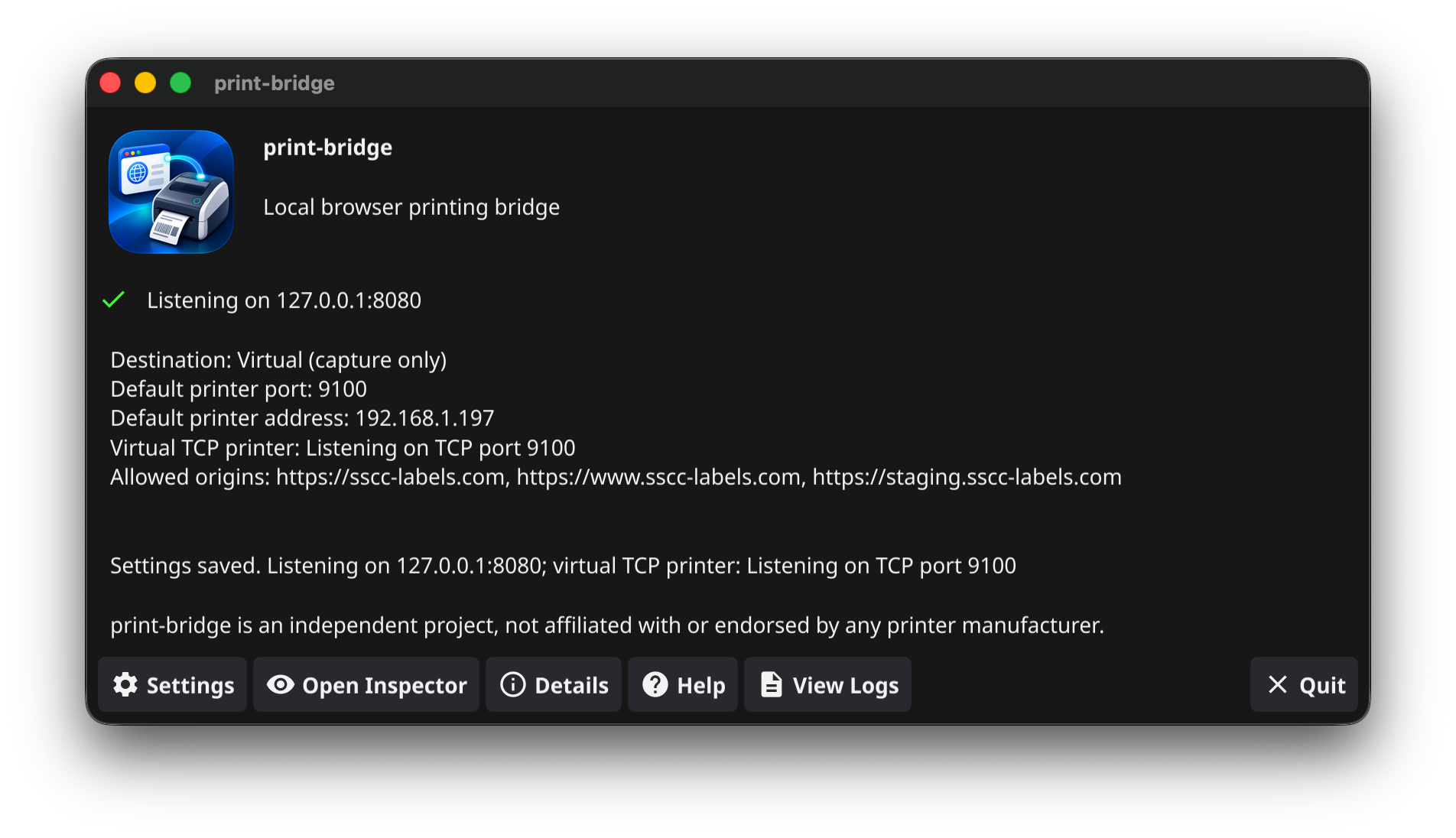
Print Bridge is a separate, open-source utility that runs on your computer and optionally connects SSCC Labels to a ZPL-compatible network printer. You can continue to download PDF and ZPL files without installing it. Browsers can't send print jobs directly to a local printer, so Print Bridge acts as a small, local go-between.
How it works
1. Save a label
Create and save a label in SSCC Labels. Printing uses that saved label and its existing SSCC.
2. Send it from your browser
Choose Print via bridge. The browser sends the label's print data to Print Bridge running on your computer.
3. Print on your network
Print Bridge forwards the ZPL to the network printer you configured. The hosted web app does not connect to your local network.
What you need
- Print Bridge installed and running on the same computer as your browser.
- A ZPL-compatible network printer reachable from that computer.
- Your printer address, port, and resolution configured in SSCC Labels under Settings → Printer.
The setup instructions and installer downloads are maintained in the Print Bridge setup guide.
Frequently asked questions
- Is it safe?
- Print Bridge is open source and only connects to the printer you configure. The hosted web app never touches your local network.
- Does it work offline?
- Print Bridge runs on your computer and works on your local network. You still need an internet connection to open SSCC Labels and load saved labels.
- Which printers are supported?
- Any ZPL-compatible network printer reachable from the computer running Print Bridge.